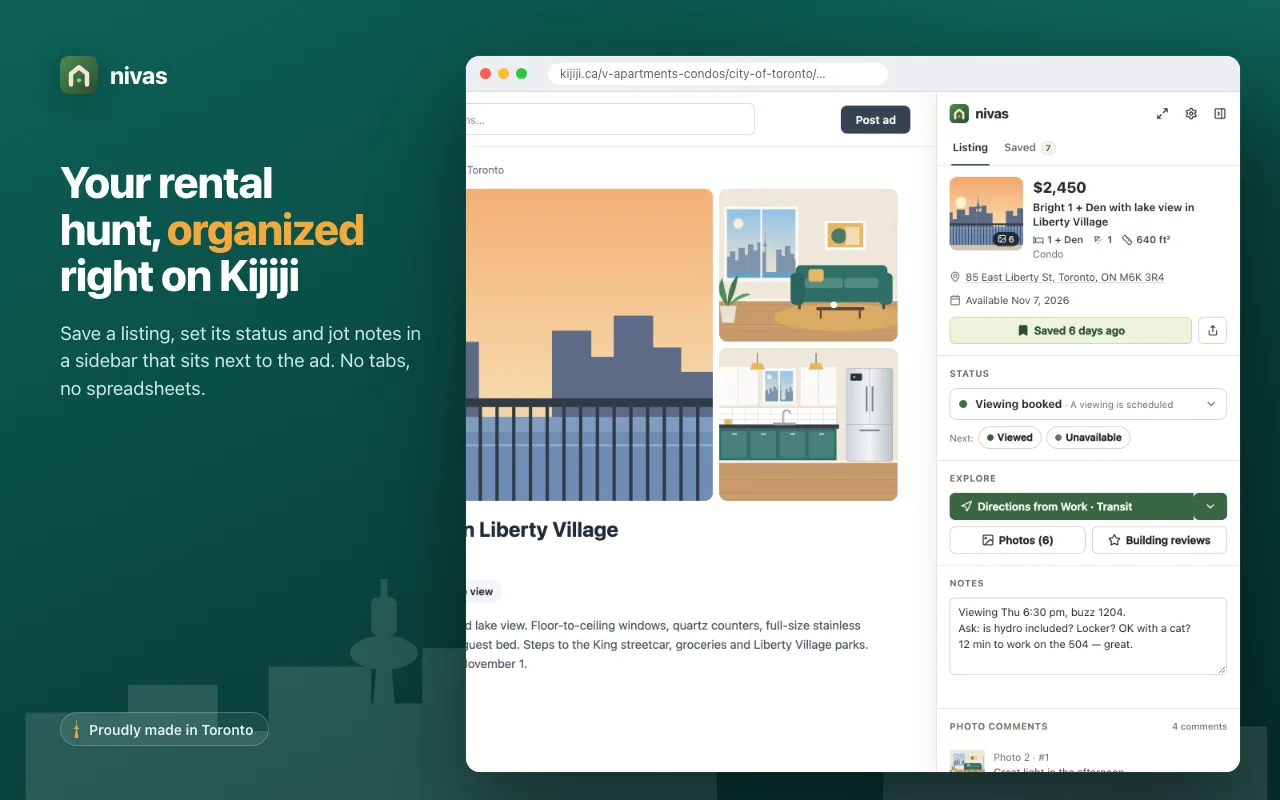
Everything the hunt needs, right next to the listing
A sidebar on Kijiji and a board that follows every listing from first look to signed lease.
-
Save and track
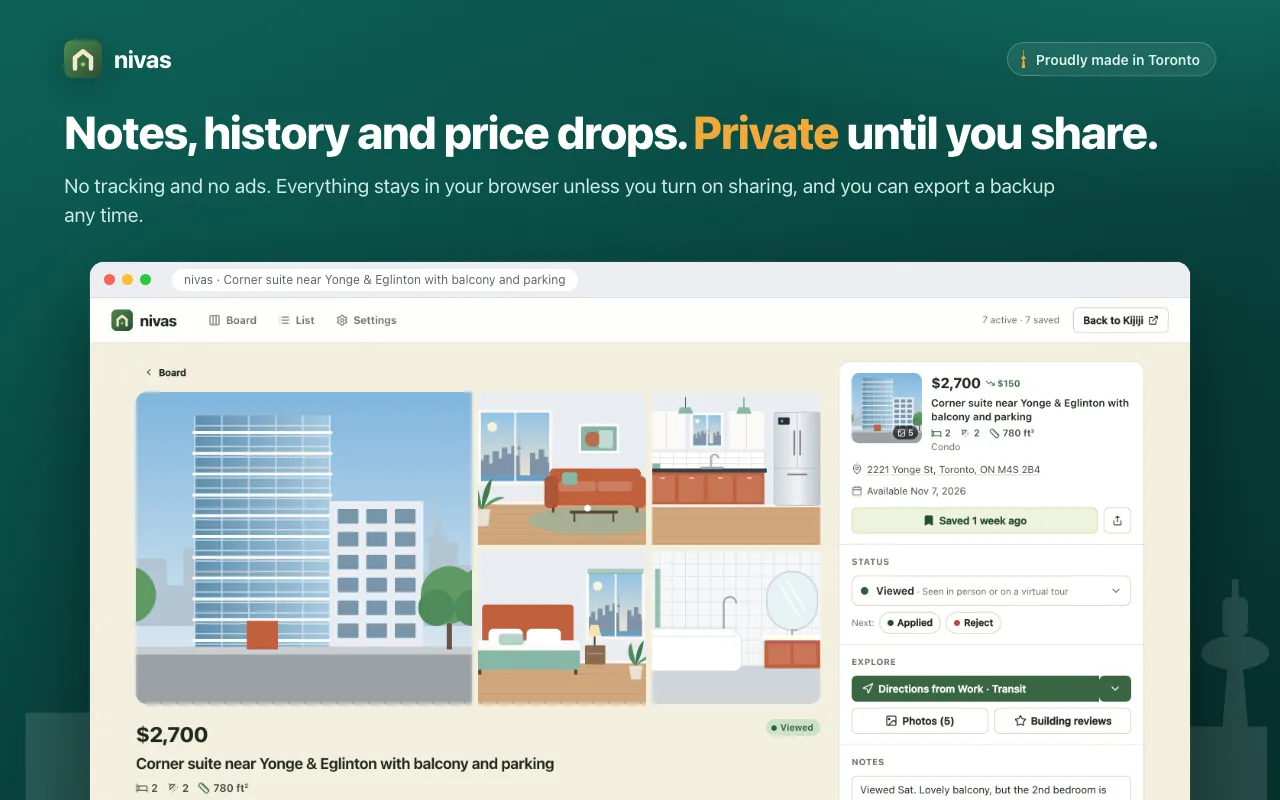
Save any rental from its page or from the search results. Give it a status, from To see later to Leased, and nivas suggests the likely next step.
-
Notes that stay put
Notes save as you type. Questions for the landlord, viewing times and first impressions live on the listing.
-
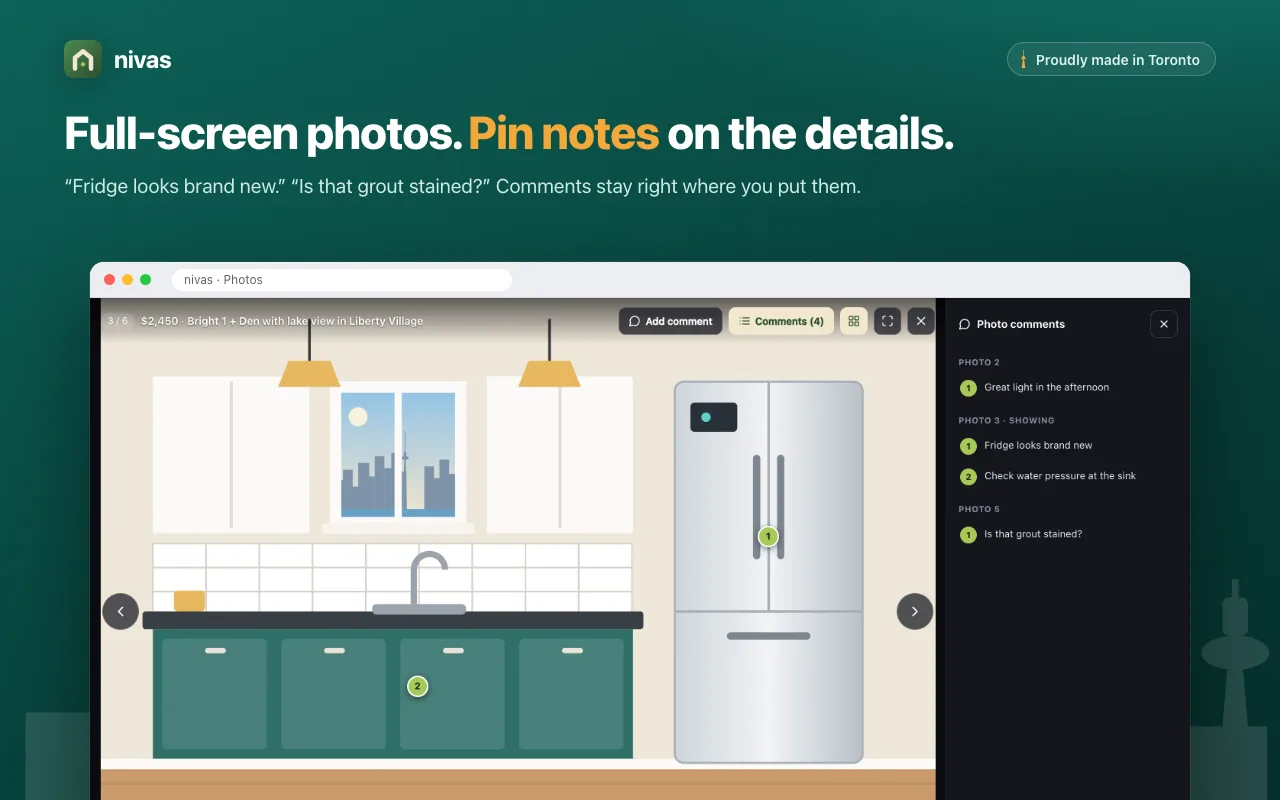
Pin comments on photos
Open photos full screen at the largest size Kijiji offers and pin a comment to the exact spot: "Fridge looks brand new."
-
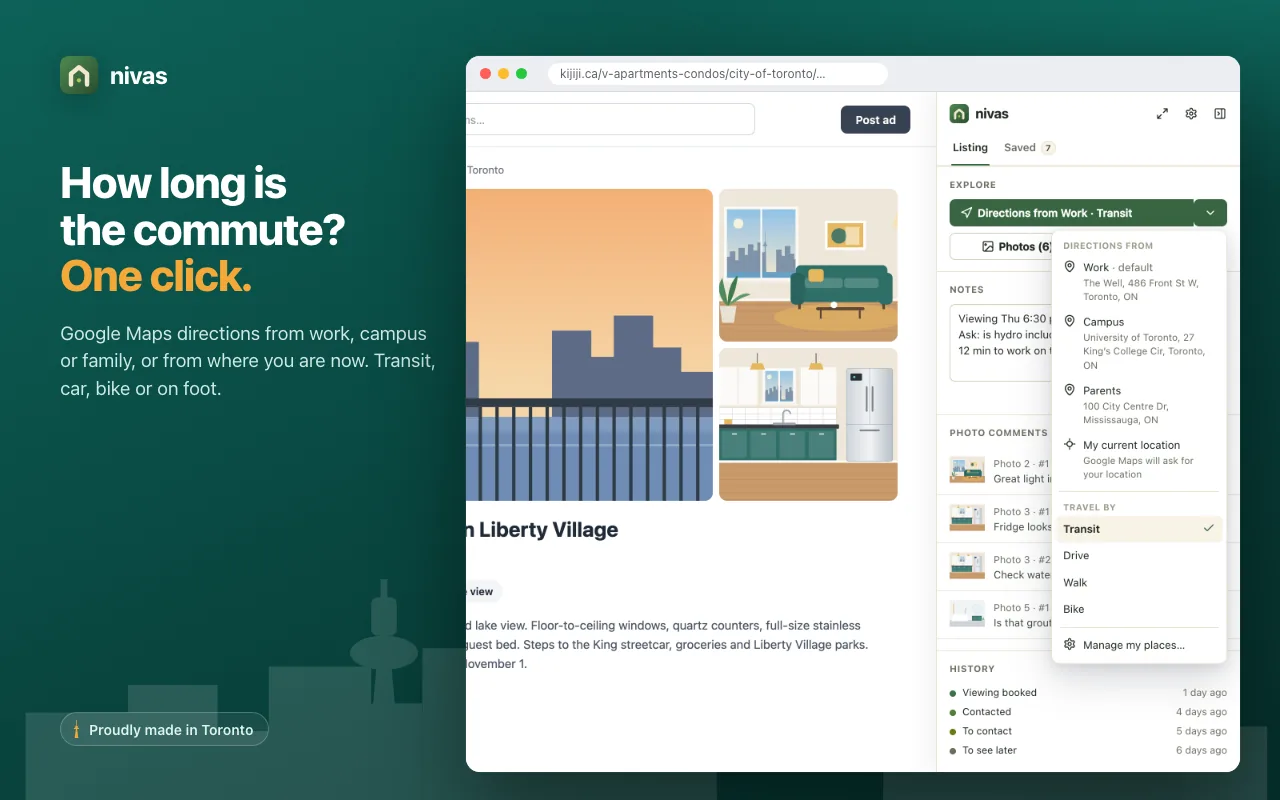
Commute in one click
Add work, campus or family and get Google Maps directions by transit, car, bike or on foot. One more click opens the building's reviews.
-
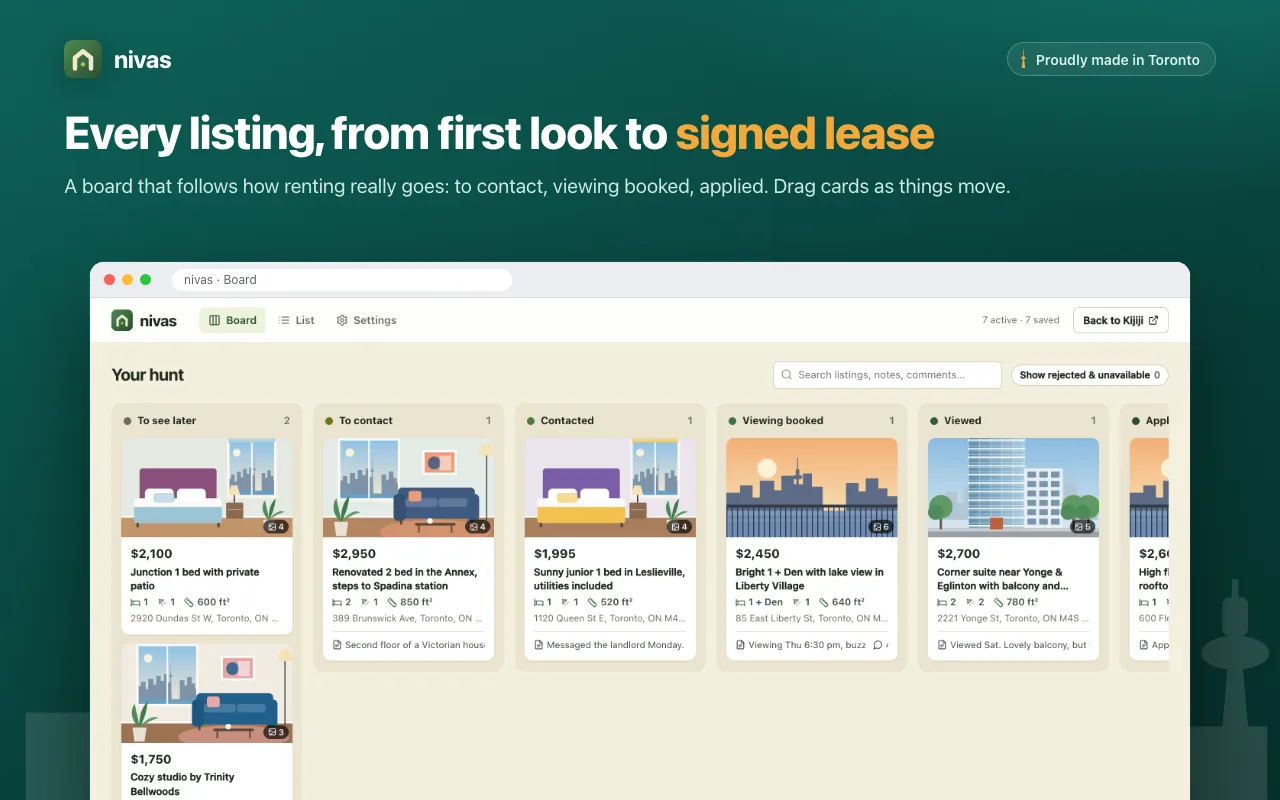
Your whole hunt at a glance
A drag and drop board with a column for each status, and a searchable list of every listing, note and photo comment.
-
Price drops, recorded
Revisit a listing and nivas notes when its price changed, so you see the drop without keeping track.
See it in action
Every screen of nivas, from the first saved listing to the signed lease.
Hunting together?
Share the search
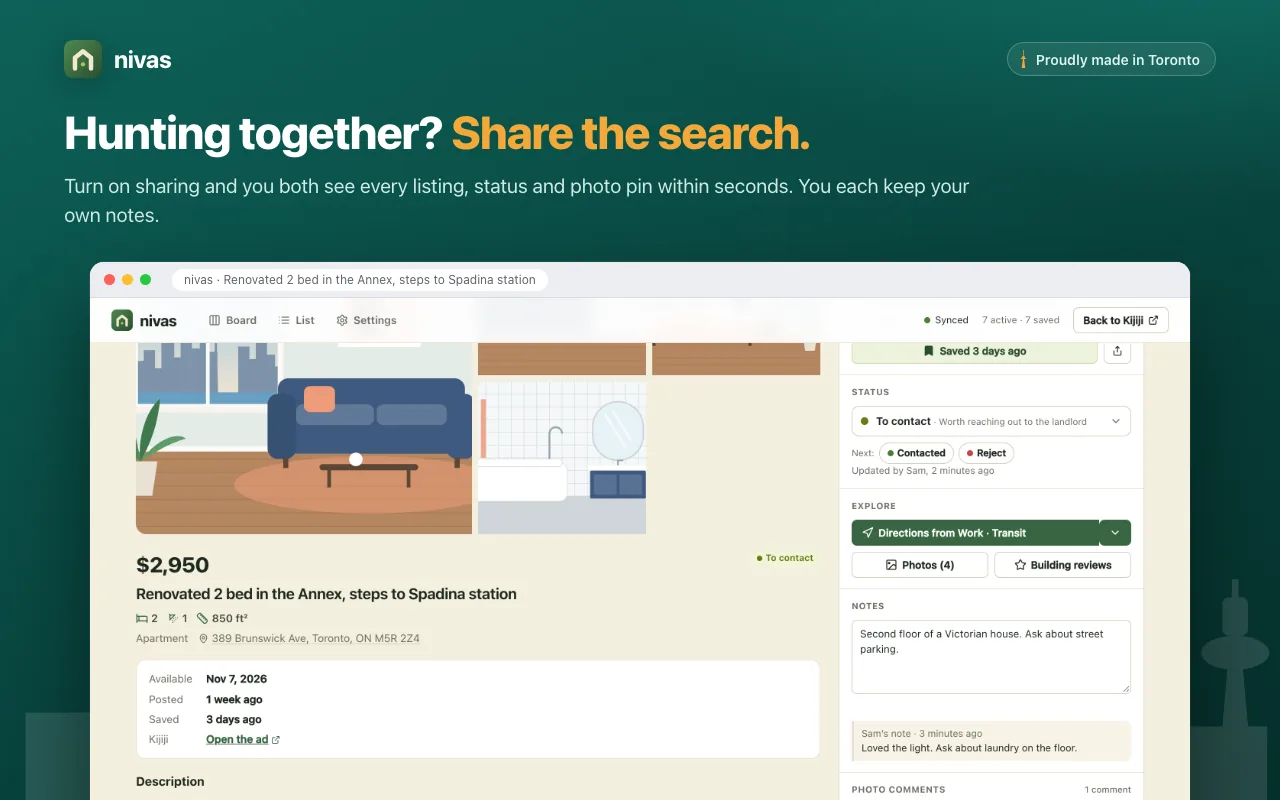
Turn on sharing and you both see every saved listing, status and photo pin within seconds. Each of you keeps your own notes and can read each other's.
Sharing is an optional plan for two people on nivas.aiagentslive.com. Everything else in nivas is free.
Private by design
Your hunt belongs to you. nivas keeps it in your browser and shares it only when you choose to.
-
Your hunt lives in your browser
Saved listings, notes and photo comments sit in your browser's local storage, ready as soon as you open Kijiji.
-
Sharing is yours to switch on
When you turn it on, your email address and your saved listings go to nivas.aiagentslive.com, where the people on your plan can read them.
-
Take it with you
Export a backup, or move to another computer with JSON export and import.
Start your hunt with nivas
Install it, open any Kijiji rental search and press Alt+Shift+N to show the sidebar.
Add to Chrome